
Emergency and duress
Help, wherever they are.
Lumin emergency and duress now reaches beyond the front door. If a resident falls or needs help, at home or out in the village, the right people know straight away, with their location and heart rate.
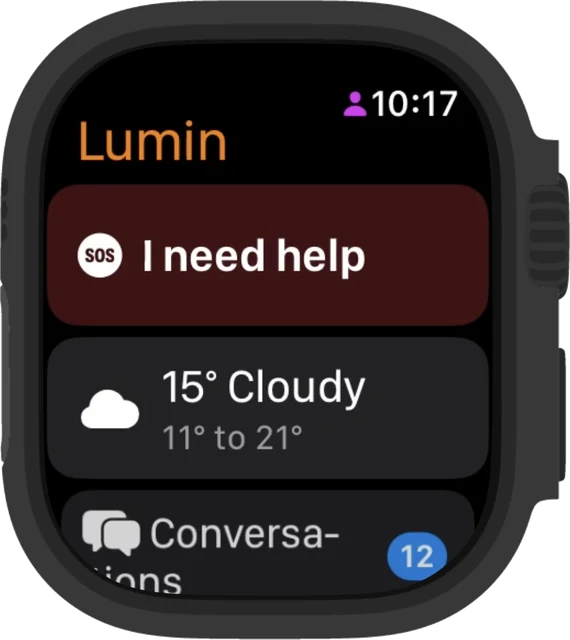
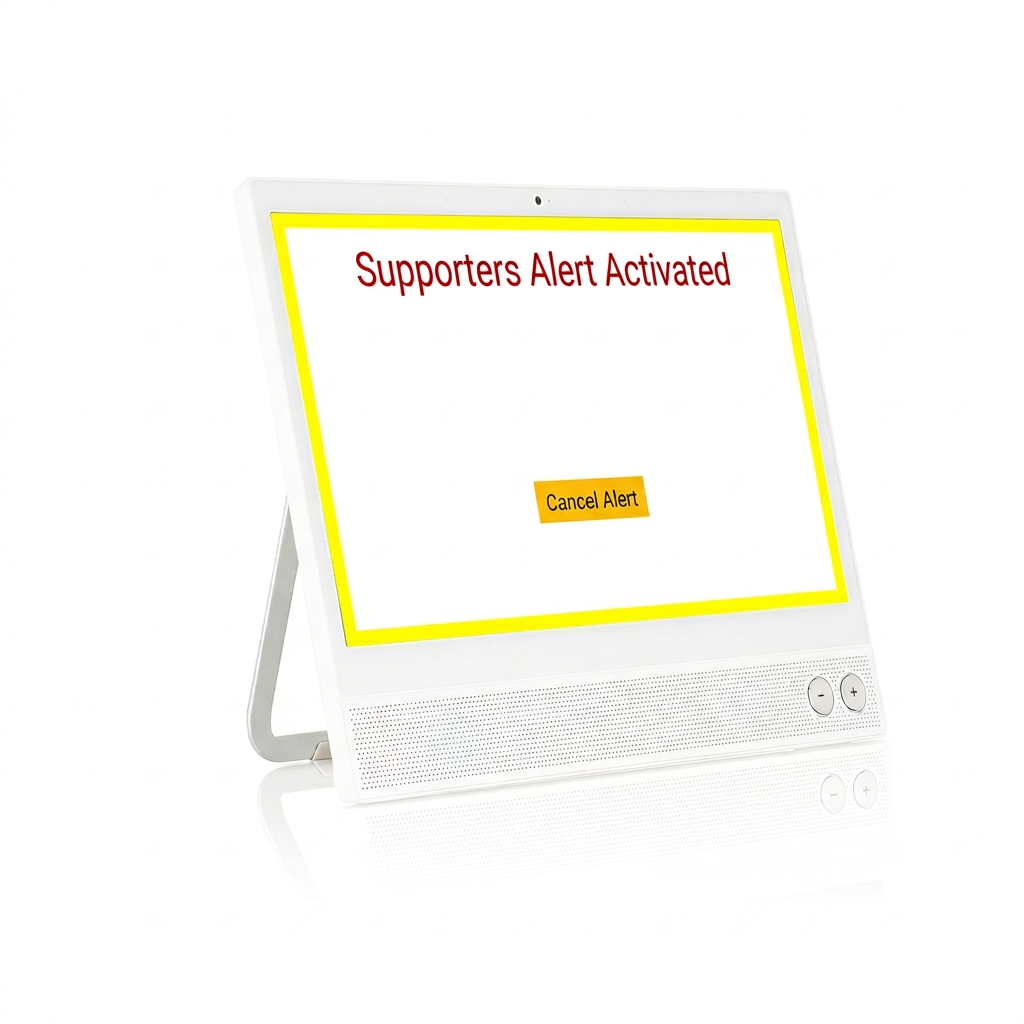
Three ways to raise help
One emergency service. Three ways to reach it.
Lumin CareHub
A clear emergency button on the screen in the resident's home.

Lumin pendant
Worn around the neck or wrist for help anywhere in the home.
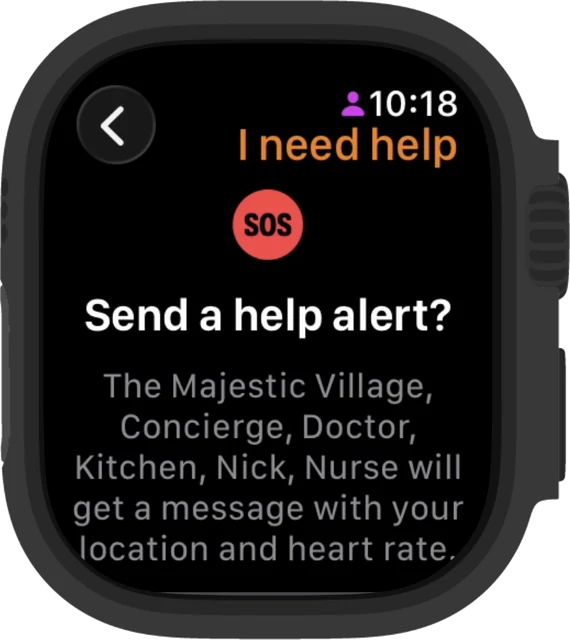
Apple WatchNew
Fall alerts and help from the wrist, at home or out and about.
Whichever way help is raised, it follows the same response process.
New on Apple Watch
Fall alerts, from the watch they already wear.
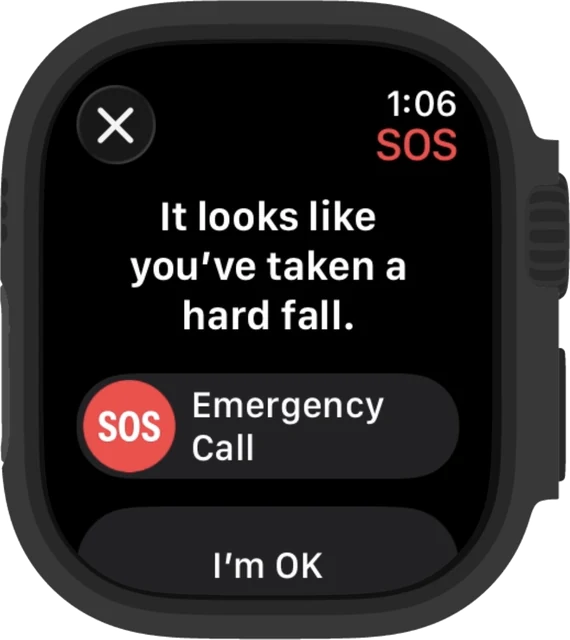
If the watch detects a fall and the resident doesn't answer, their responders are told straight away.
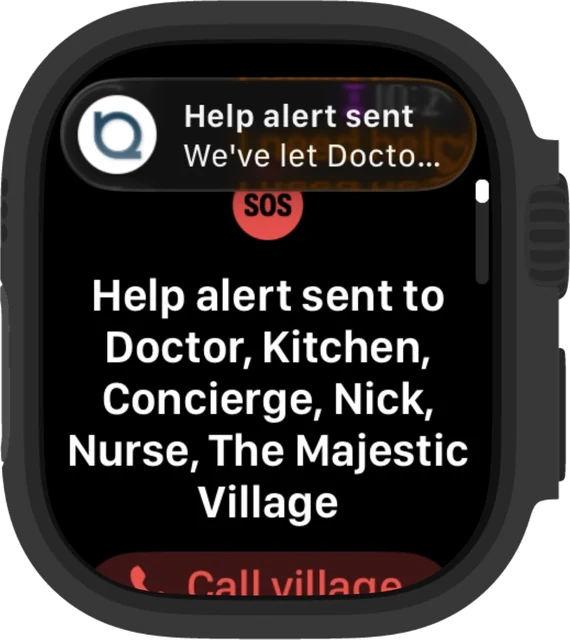
Fall alerts. A hard fall brings up a prompt. If there's no answer, an alert is sent automatically.
Help from the side button. Add Lumin help to Control Center, then press the side button once and tap.
Location and heart rate. Every alert tells responders where the resident is and their heart rate.
Call village. After an alert is sent, the resident can call the village team straight from the watch.
Also on the watch
Conversations, Notifications, Calendar, Booking events, Announcements, Weather, Secure Home (let the village know you're away or back), Contacting the village team.
Needs an Apple Watch paired with an iPhone running the Lumin Resident App. The side-button shortcut needs watchOS 26 or later.
Who responds
The right response, set up for each resident.
Ease of Mind
Alerts go to the resident's family and friends through the Lumin Supporters App.
Rest Assured
Alerts go to a 24/7 monitoring centre that holds the resident's file, including home access and medications, and follows a defined response protocol. That can mean contacting the village, contacting nominated family, or arranging emergency services.
Lumin alerts your chosen responders. It does not call 000. In a life-threatening emergency, always call 000.
For village operators
Built to work with your village, not around it.
Your team stays informed.
Village managers are told when an emergency is raised, acknowledged and closed.
Works with the monitoring you already use.
Lumin connects to leading Australian monitoring providers.
One service across every device.
Lumin CareHub, pendant and Apple Watch alerts follow the same process, so there's one way of working for your team.
Safety outside the apartment.
Residents can raise help from the garden, the clubhouse or the car park.
Already have an emergency pendant?
That's fine. Residents can keep their existing pendant and turn off the Lumin CareHub emergency button, use both, or switch to the Lumin pendant. Lumin Support sets it up at no extra charge.
FAQ
Questions
- Does Lumin call 000?
- No. Lumin alerts the resident's chosen responders: family and friends through the Supporters App, or a 24/7 monitoring centre. The monitoring centre can arrange emergency services when needed. In a life-threatening emergency, call 000.
- What happens if the watch detects a fall?
- The watch asks if the resident is OK. If they don't answer, an alert is sent straight away to their responders, with their location and heart rate.
- Do residents need an iPhone?
- Yes. The Apple Watch needs to be paired with an iPhone running the Lumin Resident App.
- Who sees the resident's location and heart rate?
- Only the responders set up for that resident, and only when an alert is raised.
- Can we use our current monitoring provider?
- Lumin connects with leading Australian monitoring providers. Talk to us about your village's setup.
- Is the Apple Watch app included?
- Talk to us about how it fits your village or household plan.
Talk to us about emergency and duress for your village.
Apple Watch and watchOS are trademarks of Apple Inc.